
Location, set to always allow
The app needs this to spot zones in the background.
Zone detection happens on your phone, so your location never leaves it.
Only the crossings the app confirms are saved to your account. They’re encrypted and held in Google Cloud’s London region until you delete your account. We never see your card details.
The app needs this to spot zones in the background.
This tells the app when you're walking or cycling, so you don't get alerts you don't need.
These carry your zone alerts and payment reminders.
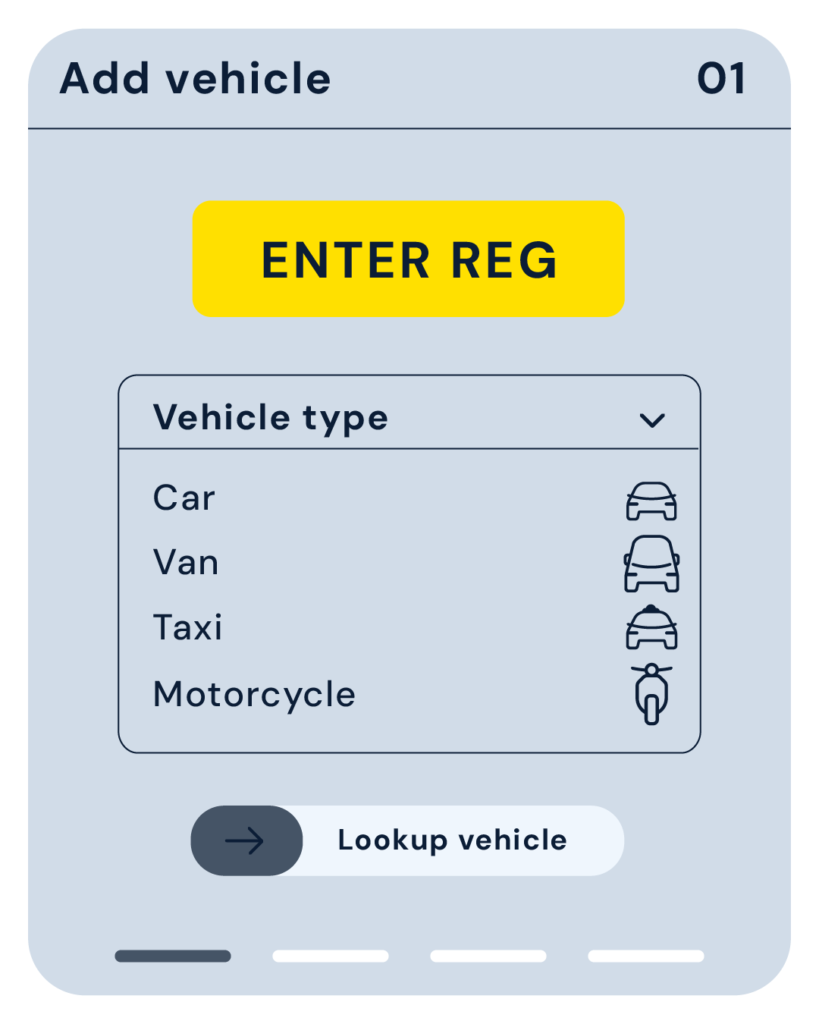
The app looks up your registration with the DVLA’s Vehicle Enquiry Service and DVSA’s MOT records to find your vehicle’s emissions standard. You can skip the lookup and enter the details yourself.
There's no analytics or advertising software in the app either.
| Service | What it's used for |
|---|---|
| Google Firebase | Signing in and storing your account |
| RevenueCat | Checking your subscription status |
| DVLA Vehicle Enquiry Service | Checking your vehicle’s emissions standard |
| DVSA MOT History service | Looking up your vehicle's details |
| Stadia Maps | The Live Map |
| Google Firebase Crashlytics | Crash reports |
If the app crashes, the report covers what went wrong, the app version and your phone model, never your location, your vehicle or who you are. You can turn crash reports off in Settings.
Road Charge Pilot isn’t connected to TfL, any council, or any crossing or airport operator. It doesn’t issue, collect or cancel charges, and it isn’t a guarantee of compliance. You pay each operator directly.
Deleting your account doesn't cancel your subscription. Cancel it in your Apple ID or Google Play settings.
Go to Settings and choose Delete account. Your account, vehicles, crossing history and any pre-paid accounts you’ve added are removed from our servers and your phone.
Use our account deletion form.
Road Charge Pilot Ltd, registered in England and Wales, company number 17531657. Registered office: 352 Blackgate Lane, Holmes, Preston, Lancashire, PR4 6JJ.
Email: support@roadchargepilot.com